is our craft

Designed for ALL
Designed for ALL

Quick Start Guide
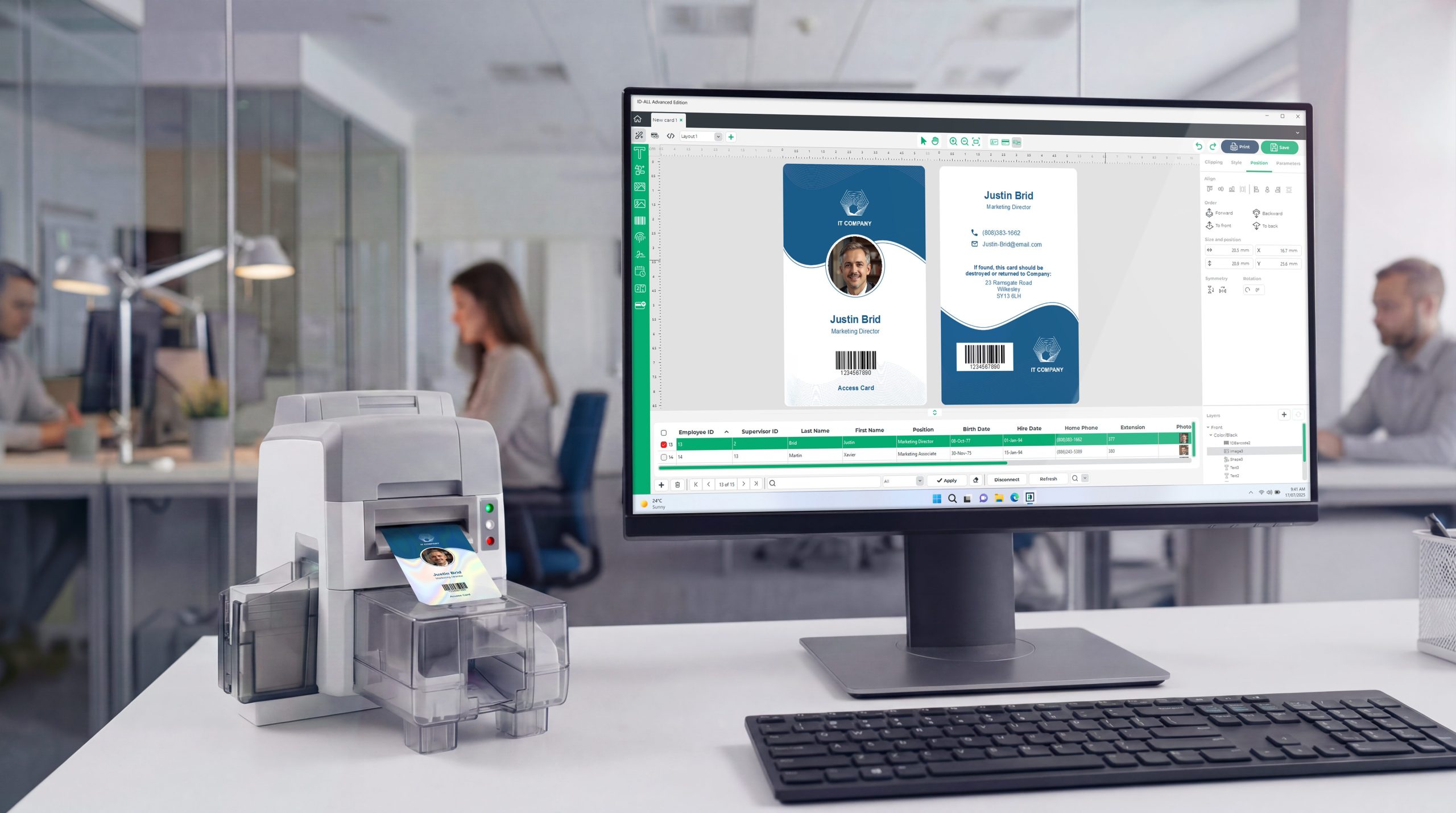
ID-ALL is easy to set up and use across Windows and macOS. Simply download the installer from our website and run it on your system. Available for Windows and macOS.
After installation, launch ID-ALL and enter your license key when prompted to activate the software. An internet connection is required to activate your license. If you’re using the demonstration version, you can upgrade to a full license at any time.
To ensure optimal performance and access to new features, keep ID-ALL up to date. Use the built-in update feature or download the latest version from our website.
For additional information, consult the help center or please contact our support department at: support@cardpresso.com


Releases History
View a history of the major features that were added to the ID-ALL software.
Version:1.1.30
User interface
Create a card model with specific measures
Print
Added support for Swiftpro K65 printers
Added support for DNP CX-D90 printers
Added support for Bravo CX7650 printers
Added support for YMCKOO ribbon on Evolis Zenius 2 Expert printers
Increased the maximum number of print copies
Database
Updated the Excel Database Plugin
Encoding
Fixed issue on Mifare Ultralight EV1/NTAG security configurations
Fixed issue on Mifare DESFire when changing Master Key Settings
Scripts
Improved retro compatibility with cardPresso and ID-ALL scripts
Licensing
Improved the license dialog workflow
Miscellaneous
Improved card migration from cardPresso to ID-ALL
Increased the maximum image upload file size
Updated translations
Version:1.1.25
User interface
Improved cardPresso document import
Concatenation features for 1D and 2D barcodes
Improved card design workflow
Print
Added support for Datacard Entrust Sigma printers
Database
Google sheets supports loading images from storage
Encoding
Improved Mifare DESFire key change operations at PICC Level
Licensing
Added the option to select the edition when using the software in demonstration mode
“Conditional printing” moved from Advanced Edition to Standard Edition
Miscellaneous
Updated Translations
Version:1.1.15
User interface
Added image clipping tool
Improved indexed image
Improved concatenation
Improved cardPresso document import
Print
Added support for SOLID810
Added support for Matica XID 8000/8600 with XPS driver
Added support for DNP CX-D80(H)
Database
Added support for database views
Encoding
Added new Mifare DESFire Key Diversification AES128
Scripting
Improved scripting compatibility with cardPresso
Miscellaneous
Updated Translations
Version:1.1.10
User interface
Improved background removal
Improved News and learning pages
Improved image editor
Print
Fixed issue with 600 DPIs
Database
Improved concatenation behavior
Improved database connection
Improved database find and filter
Miscellaneous
Updated Translations
Version:1.1.5
User interface
Added change background image properties
Added adjust the auto font minimum and maximum size
Added remove background color per item
Print
Added option to print “All records” in print range
Database
Added database settings. Possibility to change selected record after print
Encoding
Added NTAG Access Byte configuration method
Miscellaneous
Added option automatic backup document
Improvements on cardPresso project migrations
Updated Translations